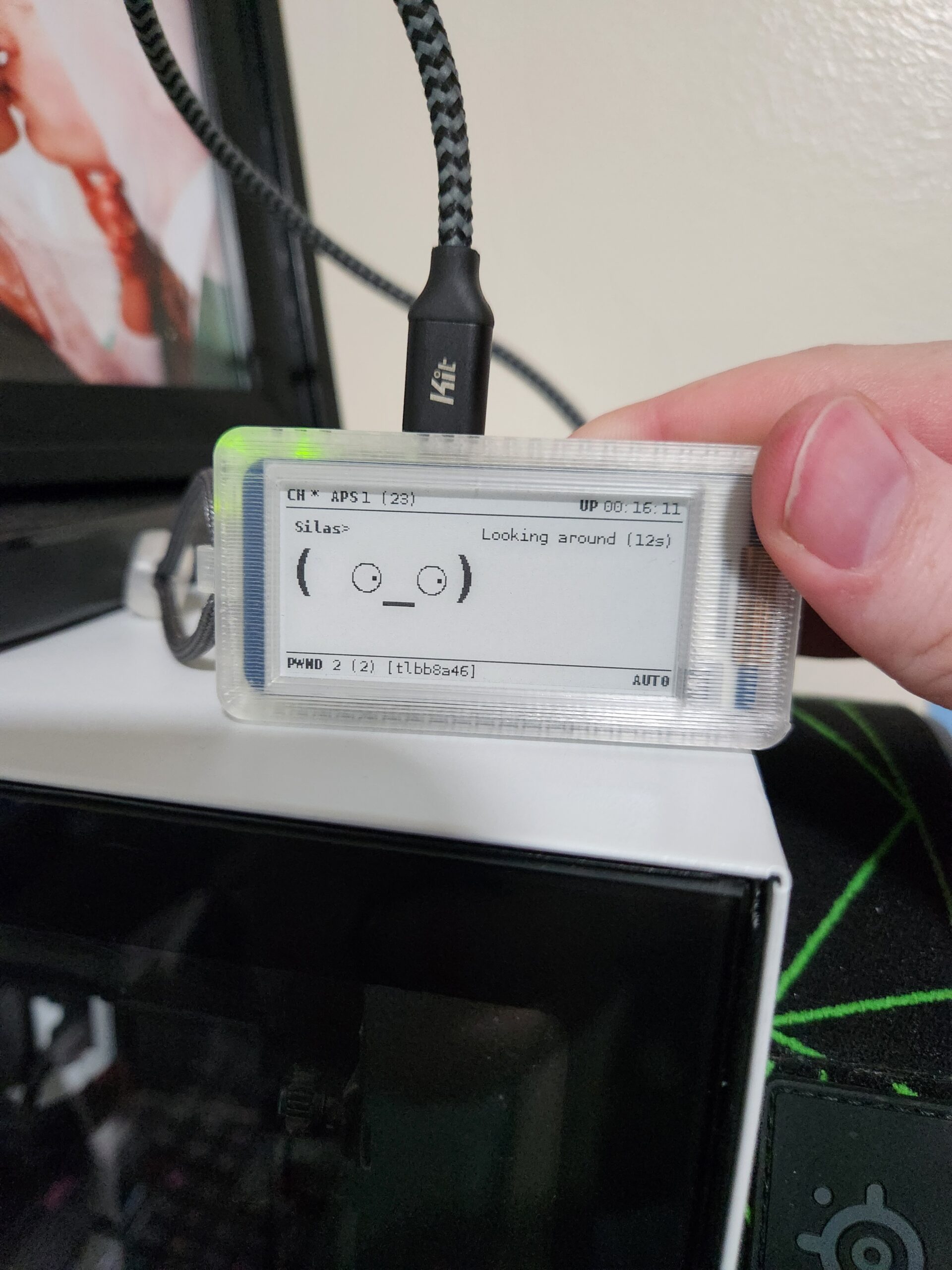
Pwnagotchi
How I built a hands-on Wi-Fi learning project — and what it taught me about wireless security
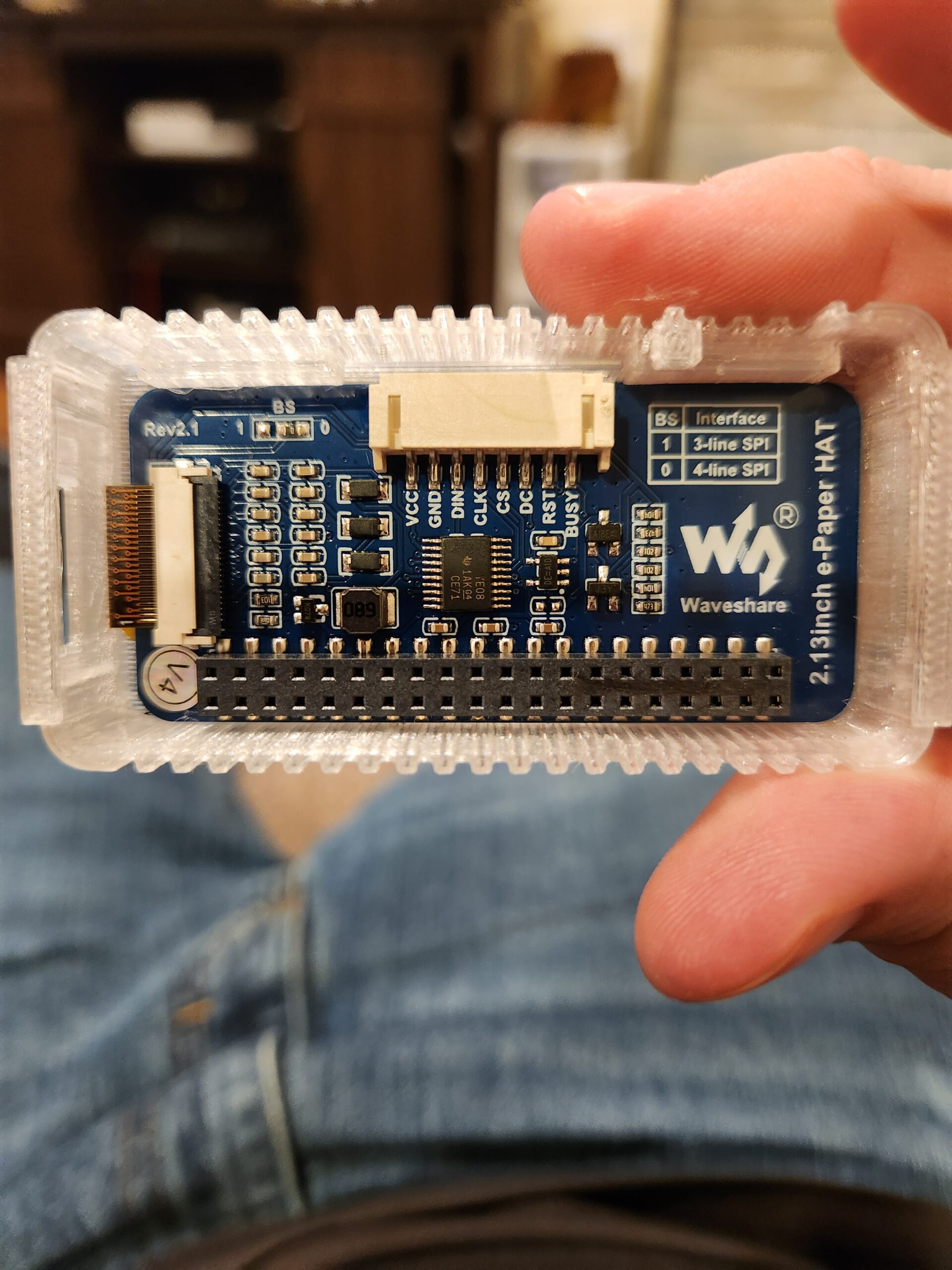
I recently completed a fun and eye-opening personal project that pushed me out of my comfort zone and deepened my practical understanding of Wi-Fi networking and security. I built a small, experimental device in a controlled lab environment (using only networks and devices I own or had explicit permission to test) to learn how modern wireless protocols behave in real conditions — and what defenders should know to better protect their networks.
This project wasn’t about exploiting others — it was about learning by doing, and using that knowledge to become a better defender. Here are the key things I learned and the defensive actions every operator should consider.
What the project taught me (high level)
-
Wi-Fi is complex. The 802.11 family has a lot of moving parts — management frames, authentication handshakes, roaming behavior, and multiple frequency bands — and small changes in configuration can have big security implications.
-
Attacks can be simple to trigger but still effective. In a controlled lab, I saw how some common techniques can interrupt connectivity and expose the need for better configuration and monitoring. That underlines why preventive controls matter.
-
Capturing and analyzing traffic is invaluable for learning. Observing how clients associate with access points, how handshakes occur, and how devices recover from interruptions gave me context that reading alone never did.
-
Defensive thinking wins. Experiencing attack vectors in a legal, ethical lab setting makes it much easier to design mitigations that actually work in the real world.
Defensive takeaways — how to harden wireless networks
-
Use modern standards and strong authentication. Move to WPA3 where possible and ensure enterprise authentication (802.1X / EAP) and centralized RADIUS for business networks. Strong passphrases and account-based authentication reduce risk.
-
Enable Protected Management Frames (PMF). PMF helps prevent spoofing and certain types of management-frame attacks — enable it when your equipment supports it.
-
Segment guest and IoT traffic. Keep untrusted devices on separate VLANs and apply strict firewalling between guest and internal networks.
-
Enforce monitoring and anomaly detection. Look for unusual deauthentication floods, sudden handshake captures, or spikes in probe requests and investigate them — visibility is one of the most powerful defenses.
-
Apply least privilege to administrative interfaces. Disable unnecessary remote management, use secure channels (SSH, HTTPS with strong certs), and restrict admin access by IP or role.
-
Keep firmware and software updated. Vendors regularly publish fixes for wireless infrastructure; timely patching reduces exposure.
-
Educate users. Surface-level user guidance (don’t use insecure public Wi-Fi for sensitive tasks, use VPNs, verify SSIDs) complements technical controls.
Responsible research matters
If you’re doing hands-on testing:
-
Only test on equipment and networks you own, or where you have explicit written permission.
-
Work in an isolated lab environment when experimenting with disruptive tests. Don’t test on production or public networks.
-
Log your activities and preserve evidence if you’re doing formal testing for a client, and share findings with stakeholders respectfully and constructively.
Why this matters to me
Doing the hands-on project was more than a learning exercise — it sharpened my ability to think like an attacker and a defender. That perspective helps me build more practical, defensible systems and improves how I communicate risk to non-technical stakeholders. I’m excited to keep applying these lessons as I continue my path toward SOC work and hands-on security roles.